Garages & workshops
Single-car, two-car, mancaves, hobbyist workbenches. Even, shadow-free coverage at a 300–500 lx floor target.
Hexplanner is a browser tool for designing hexagonal LED lighting systems. Place hexes on a grid, verify floor-level illuminance against EN 12464-1 targets, and get a complete bill of materials: bars, connectors, and power inputs, all calculated live.
Hexplanner runs entirely in your browser — no install, no account needed. Open and go.
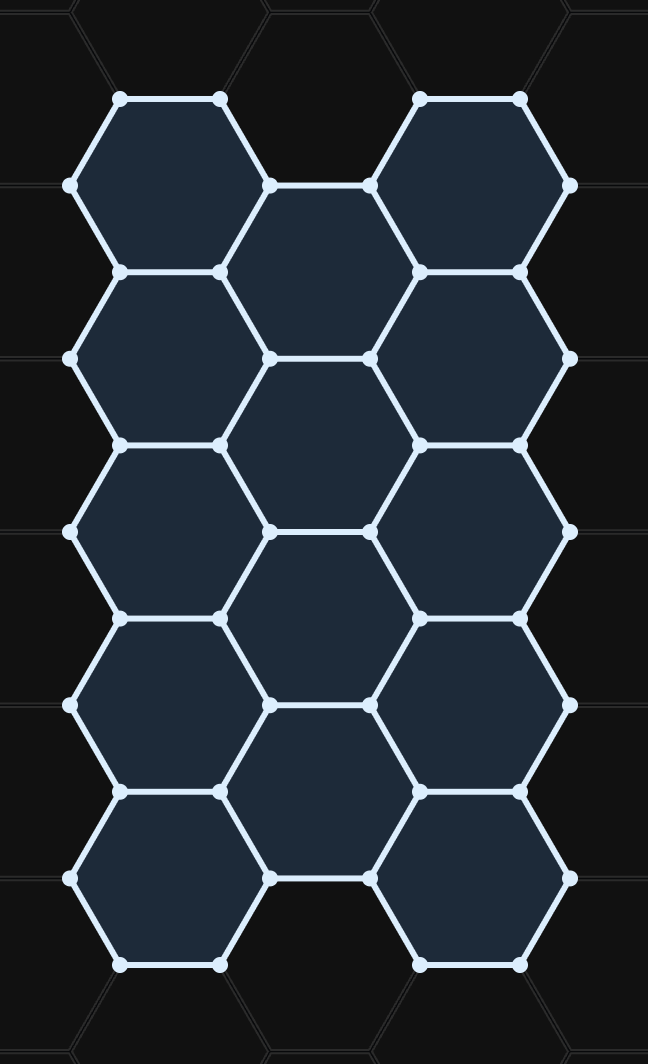
Build your pattern on the grid — hex panels and line segments snap into place. Connector types and bar counts update live as you design.
Check the brightness estimate against your use-case target and review bars, connectors and power inputs in the bill of materials — then order knowing you have the right parts.
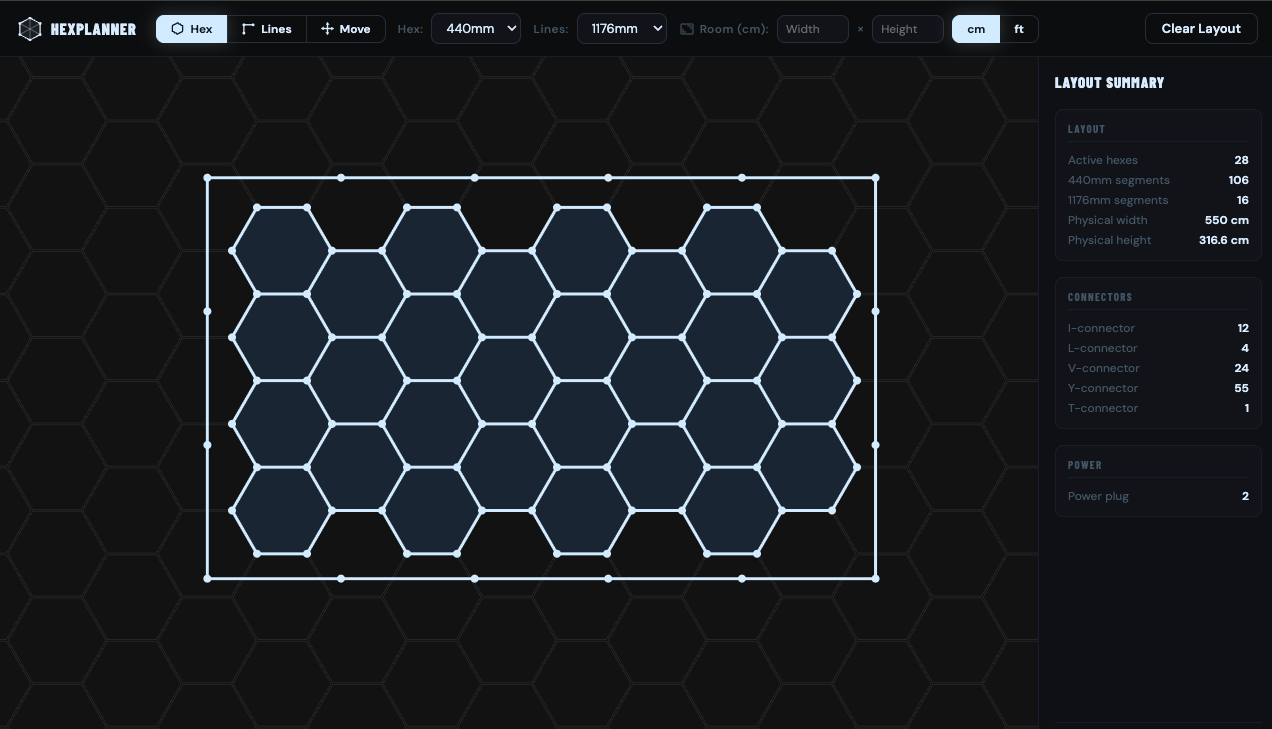
The most common hex light shapes. Open one in the planner, then resize and re-shape until it fits your ceiling.
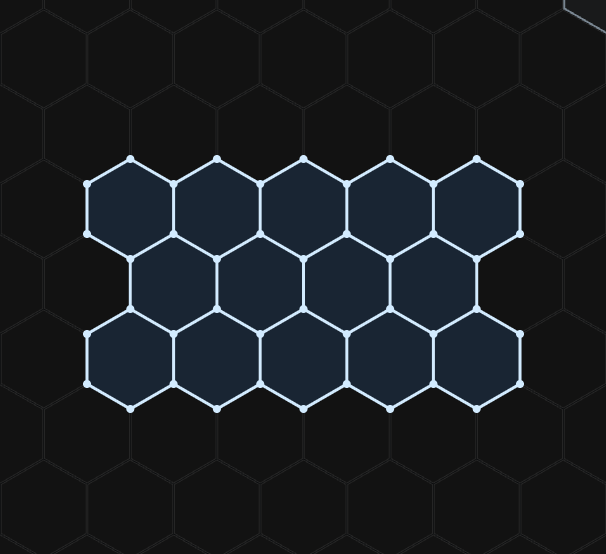
~4×5 m · one of the most popular cluster sizes — garages, detailing bays, barber shops and studios.
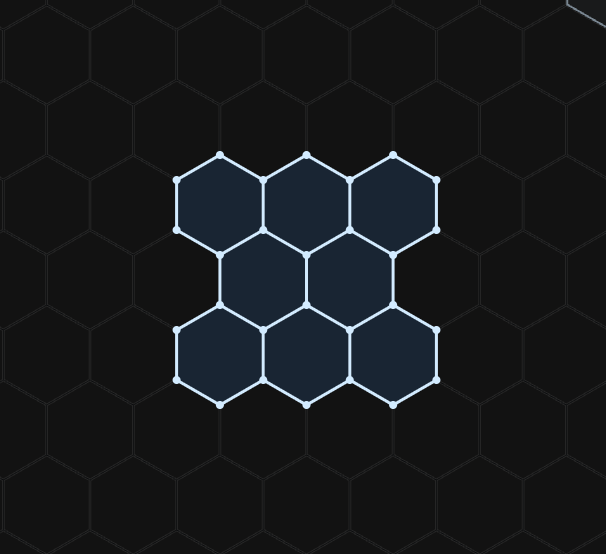
~3×5 m · a popular single-car garage starter.
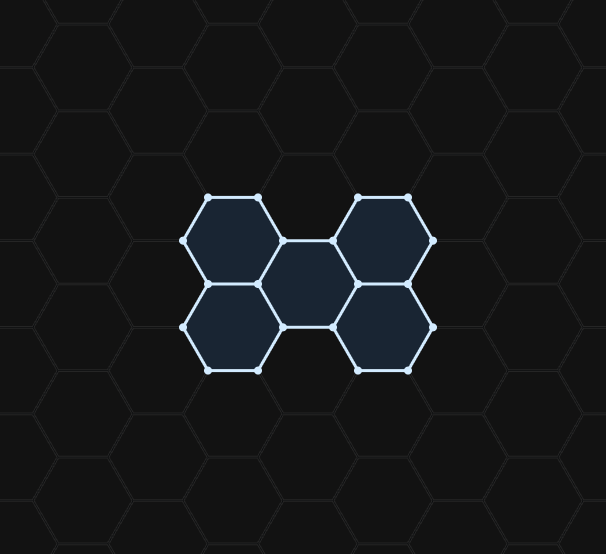
Compact cluster — workbench or single station.
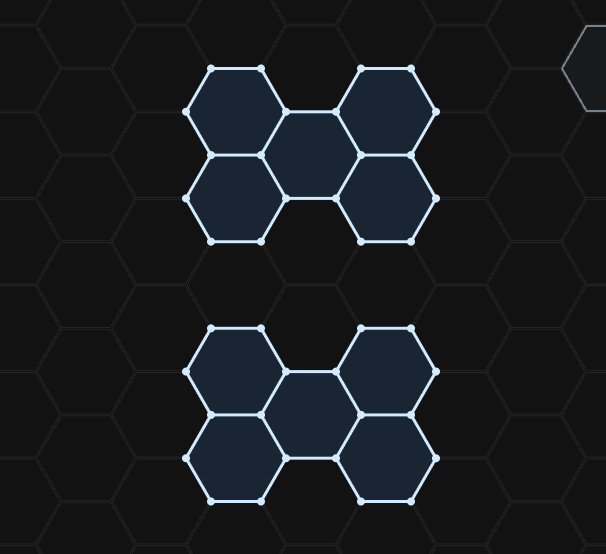
Two independent clusters. Switch each zone separately.
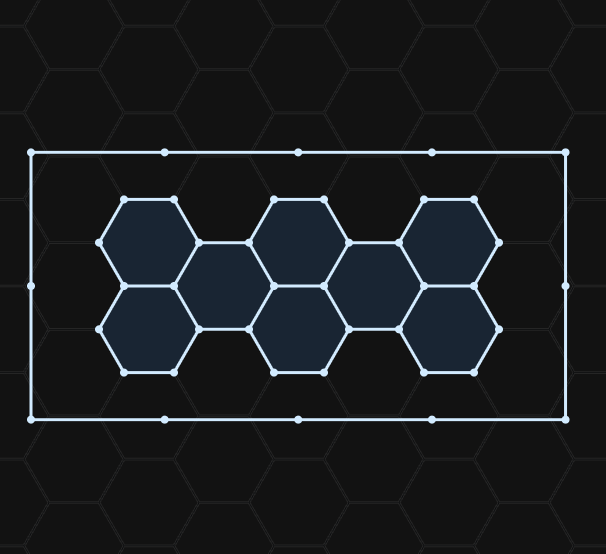
Honeycomb with a frame. The premium studio finish.
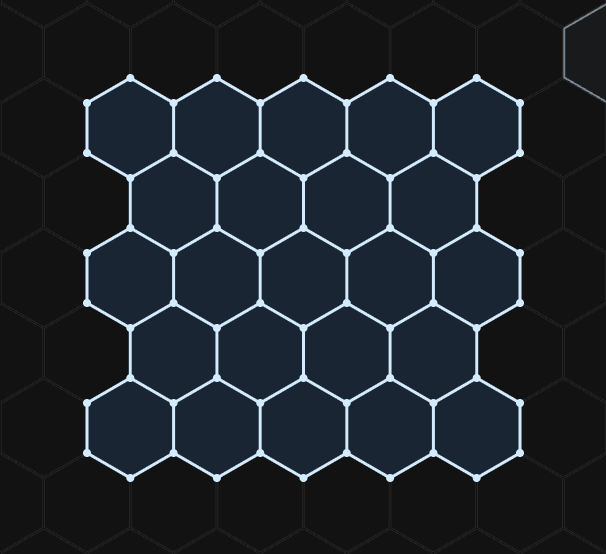
~6×6 m · wall-to-wall for a two-car garage.
A hex lighting system is built from bars, connectors and power inputs. Hexplanner tracks all three as you design — no spreadsheet, no guesswork.
Pick the bar length that fits your space. Short bars for tight clusters, long bars for spanning walls. Hexplanner counts the exact quantity of each length you need.
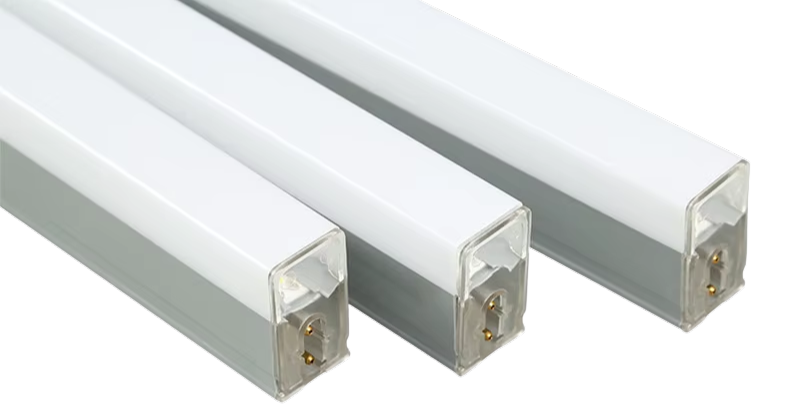
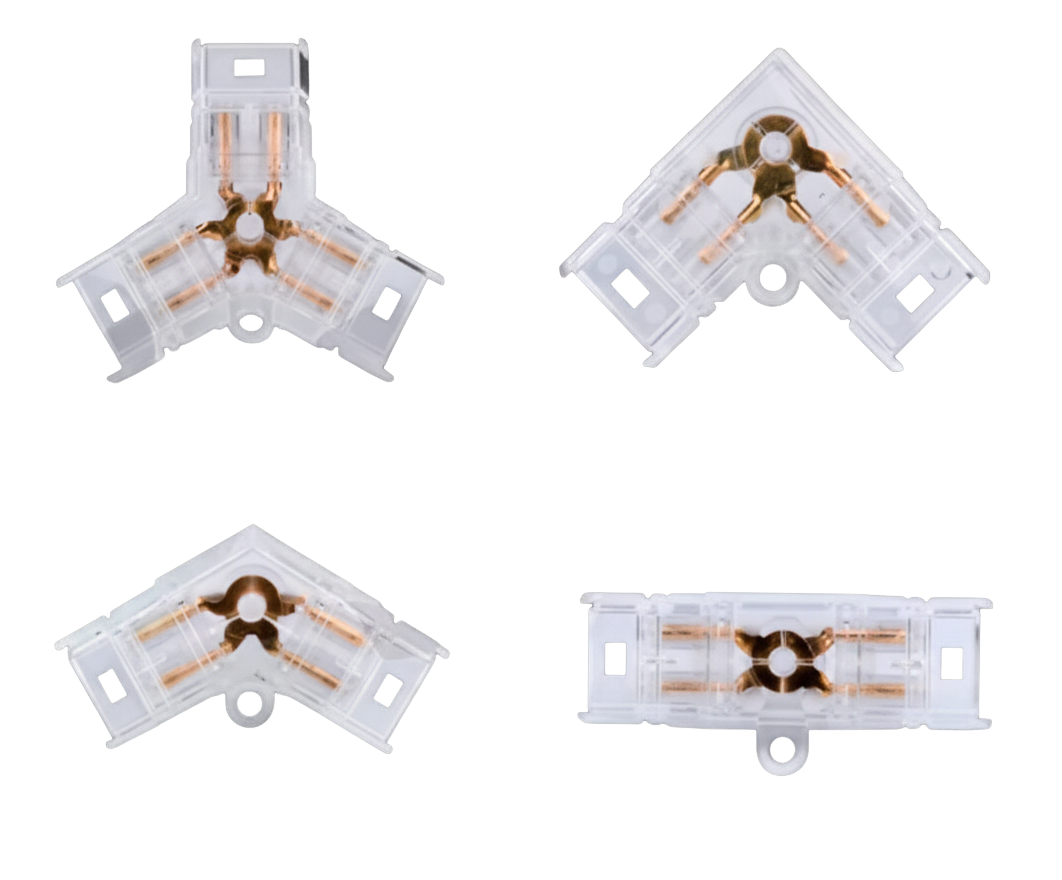
Real hex systems use six distinct connector shapes depending on the angle and number of bars meeting at a node. Hexplanner automatically determines which connector each junction needs and adds the exact count to your shopping list.
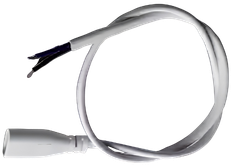
Hexplanner calculates total power draw for your layout and determines how many power cables and inputs are required. Each power cord feeds a limited chain of bars — Hexplanner splits your design optimally so you never overload a run, and adds the exact cable count to your bill of materials.
Every time you add or remove a hex, Hexplanner recalculates the full parts list in real time — segments by length, connectors by type, and power supply count. No spreadsheet needed.
When you're ready to order, export the design as a PDF — layout diagram, parts list, installation size and total wattage on one page. Hand it to your supplier or save it for the installer.
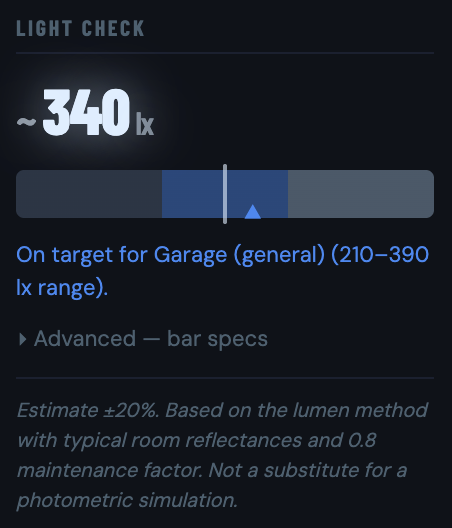
Hexplanner estimates floor-level illuminance using the lumen method — the same approach lighting engineers use. Pick your use case, confirm your ceiling height, and the Light Check panel shows a live lux reading against a standard target range. No simulation software required.
Hexplanner isn't limited to honeycomb clusters. Switch to Lines mode to draw individual bar segments in any of 8 directions — building rectangular frames, straight border runs, or any freeform shape you need.
Mix both modes on the same canvas. A honeycomb cluster inside a clean rectangular frame, for example. Hexplanner counts every bar length, connector type and power input across the whole design as one unified bill of materials.
Hexagon LED lighting works wherever bright, even, ceiling-mounted light matters. The planner sizes a layout for any of these.
Single-car, two-car, mancaves, hobbyist workbenches. Even, shadow-free coverage at a 300–500 lx floor target.
Hex clusters above each chair give bright, colour-accurate light clients photograph. 500 lx per chair (EN 12464-1). Dual-zone template for independent switching.
Paint, ceramic and finishing work needs even, colour-accurate light with no hot spots. 750 lx for colour-accurate finishing — the 14-grid is the de-facto standard above a single bay.
A hex cluster over the rack or platform looks great in workout videos. 400 lx training floor target — most home gyms use a 5–8 hex layout.
Wall-mounted hex frames behind the desk give the layered, geometric look that reads well on stream. 200–300 lx ambient, even coverage. Lines mode draws custom shapes.
Statement ceilings over a kitchen island, dining table or hallway. 200 lx residential ambient. Smaller clusters and bordered layouts work as architectural lighting features.
Whether it's a garage, salon, studio or living room — free, instant, runs in your browser.
NO ACCOUNT · NO DOWNLOAD · NO COST
Open Hexplanner in any browser — no install or account needed. Click to place hexagonal panels on the grid, choose your bar length (440 mm, 565 mm, or 1176 mm), and the tool automatically determines every connector type you need and builds a complete bill of materials with quantities.
It depends on your layout geometry. Hexagonal LED systems use six connector types: I (straight-through), L (right-angle), V (angled two-way), Y (three-way branch), T (power tap), and X (four-way cross). Hexplanner detects each junction type automatically and adds the exact count to your shopping list as you design.
These are the bar segment lengths. A 440 mm system makes smaller hexagons — good for compact clusters or lower ceilings. A 565 mm system creates larger hexagons with more coverage per panel. The 1176 mm option is used for straight line segments that span larger distances. Hexplanner supports all three and can mix them in one layout.
The BOM lists segment counts broken down by length (e.g. 42× 440 mm, 12× 565 mm), the quantity of each connector type (I, L, V, Y, T, X), and the number of power supplies required. It updates in real time every time you change the layout.
There is no difference — they are the same product. "Honeycomb" and "hexagon" are interchangeable terms used by manufacturers and retailers to describe modular LED bar systems arranged in a six-sided grid pattern. Hexplanner plans both: place bars in any hexagonal or honeycomb layout and get your complete bill of materials automatically.
Each connected run of bars needs at least one power input. A single input can supply up to 420 W — so a run that exceeds that threshold requires a second input, and so on. Hexplanner calculates the recommended number of power inputs per connected island automatically and adds the total to your bill of materials, so you never under-spec the cabling.
What matters for sizing your power supply is wall (AC) draw, not just the LED-side figure. Typical wall consumption per segment: 7 W for a 440 mm bar, 9.3 W for a 565 mm bar, and 18.7 W for a 1176 mm bar (LED-side DC values are 6 W, 8 W, and 16 W respectively; driver efficiency ≈ 86%). A 30-bar cluster of 440 mm segments, for example, draws roughly 210 W from the wall. Your specific brand may vary slightly — always verify against the datasheet. Hexplanner uses these typical figures to calculate total wall consumption in real time as you design, so you can size your power supply before ordering.
No. Hexplanner is completely free. It runs in your browser with no account, no download, and no payment required at any point.
Yes. Once your layout is ready, use the Export PDF button to download a print-ready document containing your design layout, the full bill of materials (segments by length, each connector type, power supply count), installation size, and total power consumption. It's useful for placing a supplier order or sharing the design with a contractor or installer.
A standard single-car garage (3×6 m) needs roughly 18,000–27,000 lm for 300–500 lux at floor level, assuming a 2.6 m ceiling. A two-car bay or detailing bay at the same height needs 36,000–54,000 lm for 500–750 lux. Hexplanner's Light Check panel calculates this automatically from your layout and room dimensions — enter your room size and ceiling height and it tells you whether your layout hits the target.
Lumens measure total light output from a source. Lux measures illuminance — how much of that light actually reaches a surface. 1 lux = 1 lumen spread over 1 m². A 36,000 lm layout in a 20 m² room at the right mounting height delivers roughly 430–500 lux at floor level, accounting for ceiling geometry and a standard 0.80 maintenance factor.
Professional detailing and paint-correction work requires 700–1,000 lux for reliable colour perception, with 750 lux for detailing and paint-correction work (EN 12464-1) as the practical target. A high-CRI (90+) source at that level eliminates colour metamerism — the effect where paint looks correct under your lights but different under sunlight or showroom lighting. Hexplanner's Light Check includes 750 lux as the built-in detailing / paint bay target.
300–500 lux for general fitness training; 400 lux training floor target for home gyms is the field-validated figure. Hexplanner's Light Check uses 400 lux as the home gym target and shows a green zone from 280 to 520 lux — so a layout that lands in that range is considered on target.
Hexplanner uses the lumen method (IES Zonal Cavity method, same basis as EN 12464-1): total lumens from all bars × Coefficient of Utilisation (derived from room geometry and ceiling height) × 0.80 maintenance factor ÷ floor area. The formula is: lumen method: lumens × CU × MF ÷ floor area. The result is a ±20% estimate — not a photometric simulation, but accurate enough to confirm whether a layout is in the right ballpark before ordering.